
Design knowledge library
CNC Design and DFM Library
Use this library to turn a part concept into a focused CNC design review. Start with what the part must do, identify constraints that CAD alone may hide, then make the drawing communicate the decisions that control manufacture and inspection. Follow the published article cards for each subject that needs deeper treatment.
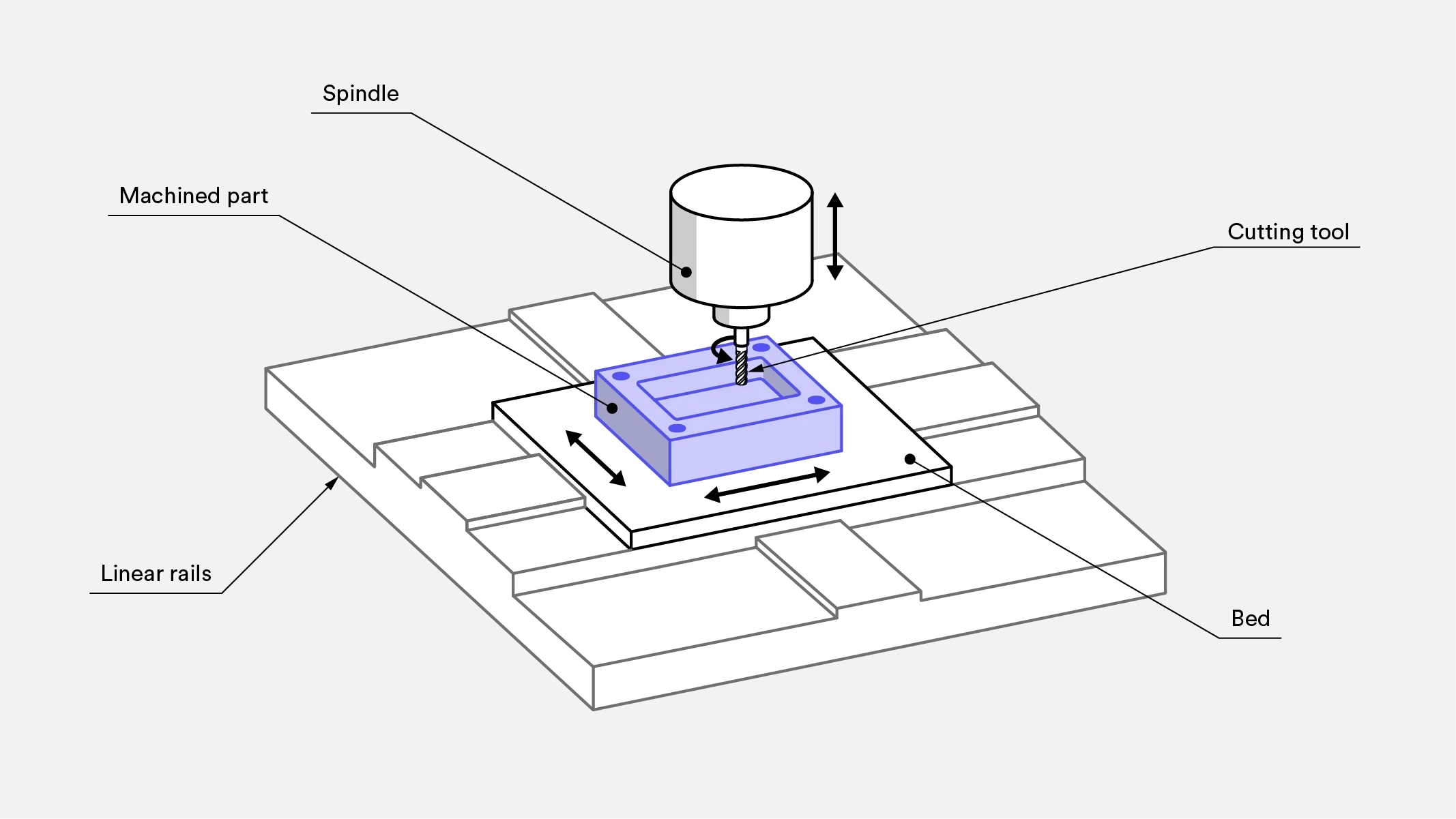
01 / Reading path
Start with function
Begin with the part’s job: what does it locate, support, seal, transmit, or protect? Identify the interfaces that govern success, then rank them by consequence. For example, a housing may need a bearing bore, mounting face, and connector opening to relate accurately; those relationships deserve attention before cosmetic edges or noncritical pockets.
02 / Reading path
Resolve manufacturing constraints
Review the proposed geometry from the cutter’s point of view. Internal corners, narrow slots, deep cavities, threads, blind holes, and concealed faces can require particular tool access or a different manufacturing approach. Do not treat a visually simple CAD feature as automatically simple to machine.
03 / Reading path
Prepare the drawing handoff
Use the drawing to add manufacturing and acceptance information that the model does not state unambiguously. Mark critical features, datum intent, applicable tolerances, thread definitions, surface requirements, and any areas with restricted design authority. State the revision and resolve conflicts between CAD, notes, and assembly information before release.
New in this library
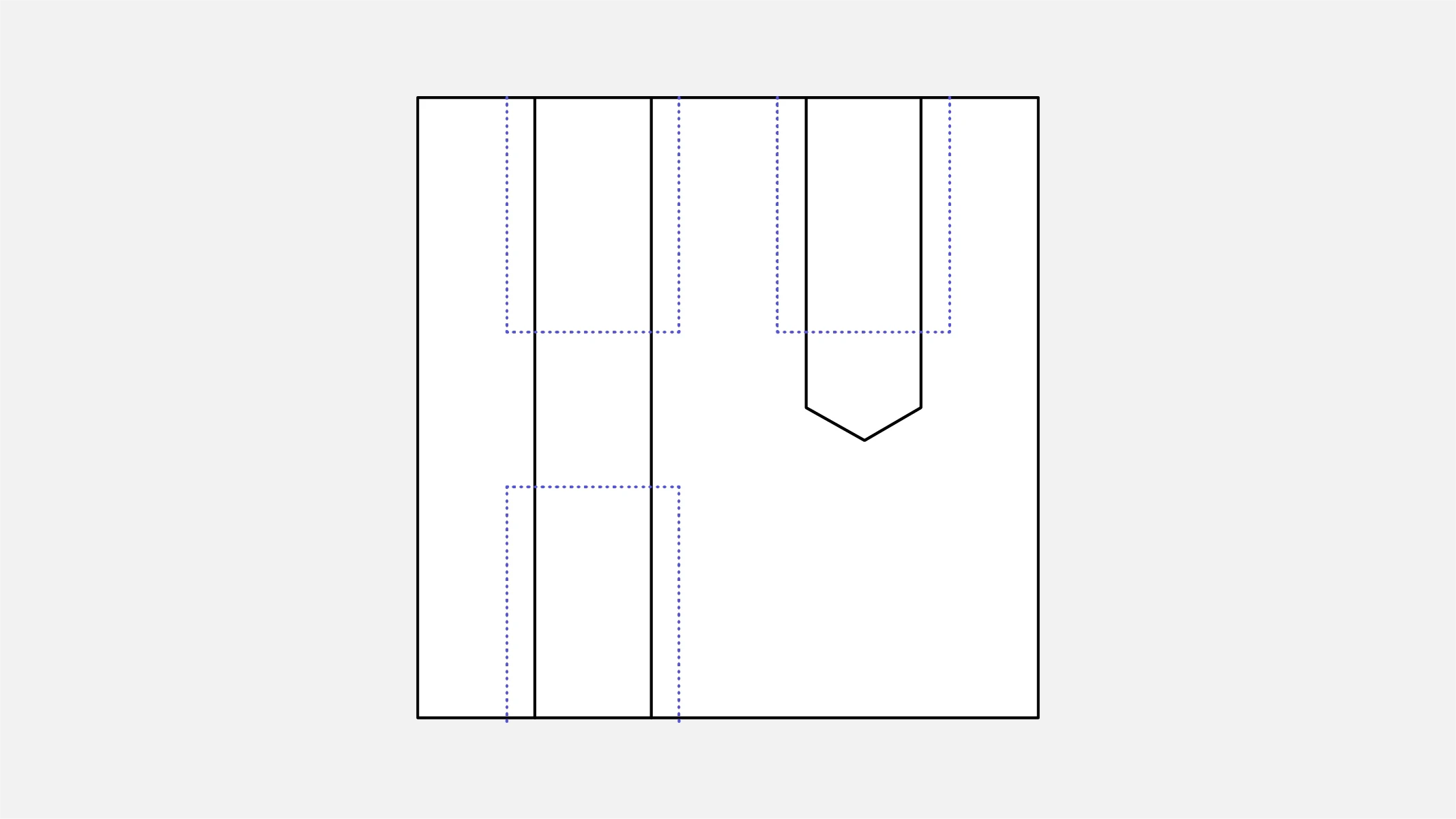 Engineering article
 Deep guide
Start with the design fundamentals
Resolve feature and process questions
Prepare the engineering handoff
Turn the drawing into a clear manufacturing brief.
Share the current drawing, material, finish and inspection requirements for a project-specific discussion.